xml2pdf
Describe a document in XML (pages, text, images, tables, watermarks, headers and footers) and get a PDF. It ships as a single static binary with no runtime dependencies and renders in milliseconds.
<?xml version="1.0" encoding="UTF-8"?>
<document title="Hello" page-size="A5" margin="15mm">
  <constants>
    <const name="name" value="World"/>
  </constants>

  <resources>
    <style id="title" size="24" bold="true" color="#1f4e9c" margin-bottom="8"/>
  </resources>

  <footer><text align="center" size="8" color="gray">Page {page} of {pages}</text></footer>

  <page>
    <text style="title">Hello, ${name}!</text>
    <text margin-bottom="10">This PDF was generated from XML. Text wraps automatically,
      and you can mix <b>bold</b>, <i>italic</i> and <span color="red">colored</span> runs.</text>
    <table widths="2*,1*" header-bg="#eef2f9">
      <row header="true"><cell>Feature</cell><cell>Status</cell></row>
      <row><cell>Text, images, tables</cell><cell>Ready</cell></row>
      <row><cell>Watermarks, headers, footers</cell><cell>Ready</cell></row>
    </table>
  </page>
</document>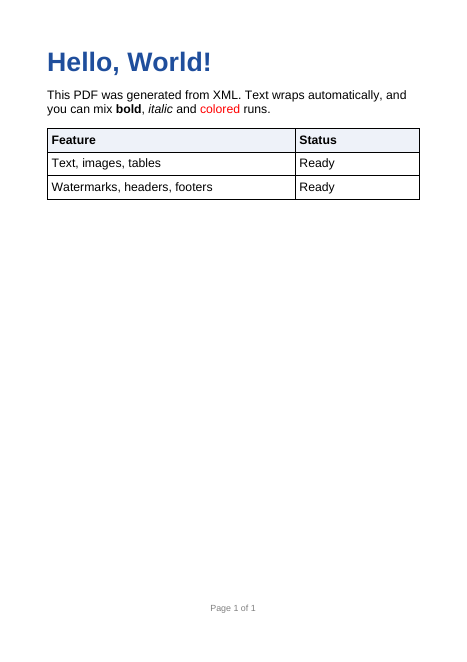
hello.pdf rendered from the XML on the left
Try it without installing anything: the playground runs xml2pdf in your browser. Edit the XML and JSON and the PDF updates as you type.
Features
- Text: automatic wrapping; left, center, right and justified alignment; inline
<b>,<i>,<u>,<span>and<br/>. - Images: PNG, JPEG and GIF, scaled with their aspect ratio preserved.
- Tables: fractional, fixed and percentage column widths,
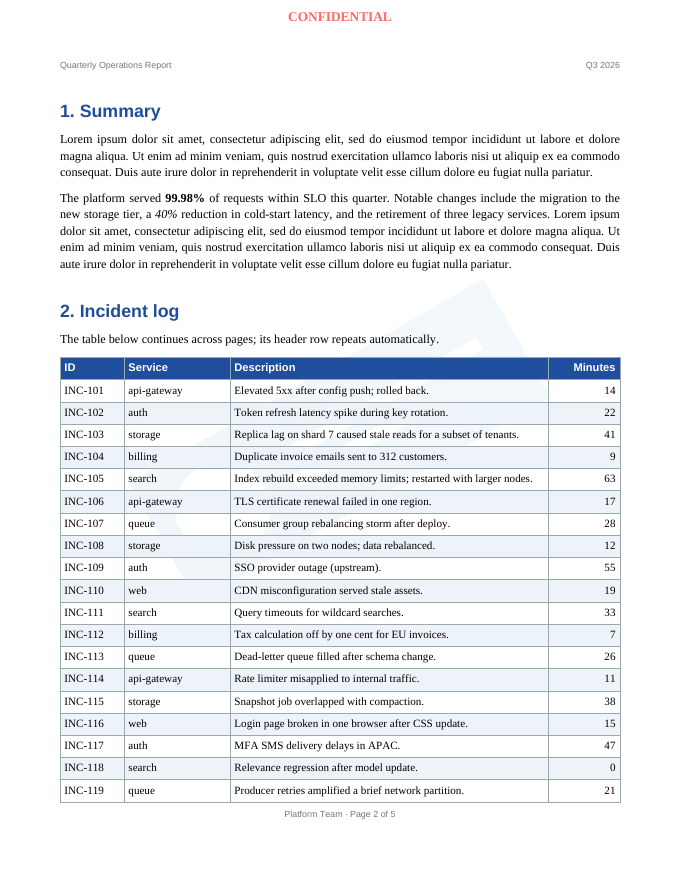
colspan, vertical alignment, borders, padding and striped rows. When a table crosses a page break, its header rows repeat. - Layout: content flows from page to page automatically, and any element can be pinned to exact
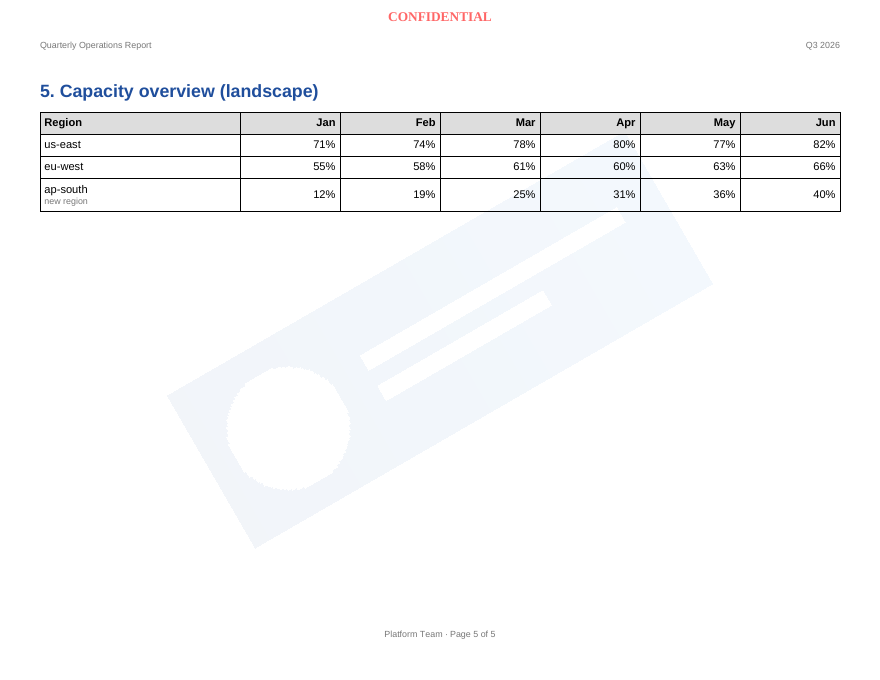
x/ycoordinates. - Watermarks: text or image, with opacity, rotation, a front or back layer, and a choice of pages.
- Headers and footers: support
{page}and{pages}numbering. - Styles: reusable named styles with inheritance, and a cascade from document to page to element.
- Templating:
${variables}come from constants in the document, a JSON data file or the command line.<for-each>loops repeat rows, blocks or whole pages. - Helpful errors: unknown tags or attributes, missing styles, undefined variables and missing images are reported with their line number.
Quick start
Install on Linux or macOS with one command:
curl -fsSL https://raw.githubusercontent.com/sandeepkumarmishra354/xml-to-pdf/main/install.sh | shOn Windows, download the zip from the latest release (see Install for all the options). To build from source instead, you need Go 1.24 or newer:
git clone https://github.com/sandeepkumarmishra354/xml-to-pdf
cd xml-to-pdf
make build                      # produces bin/xml2pdf
Render a document. The examples are in the repository and inside every release archive; if you built from source, use bin/xml2pdf:
xml2pdf examples/hello.xml                           # writes examples/hello.pdf
xml2pdf examples/hello.xml --set name=Alice          # override a variable
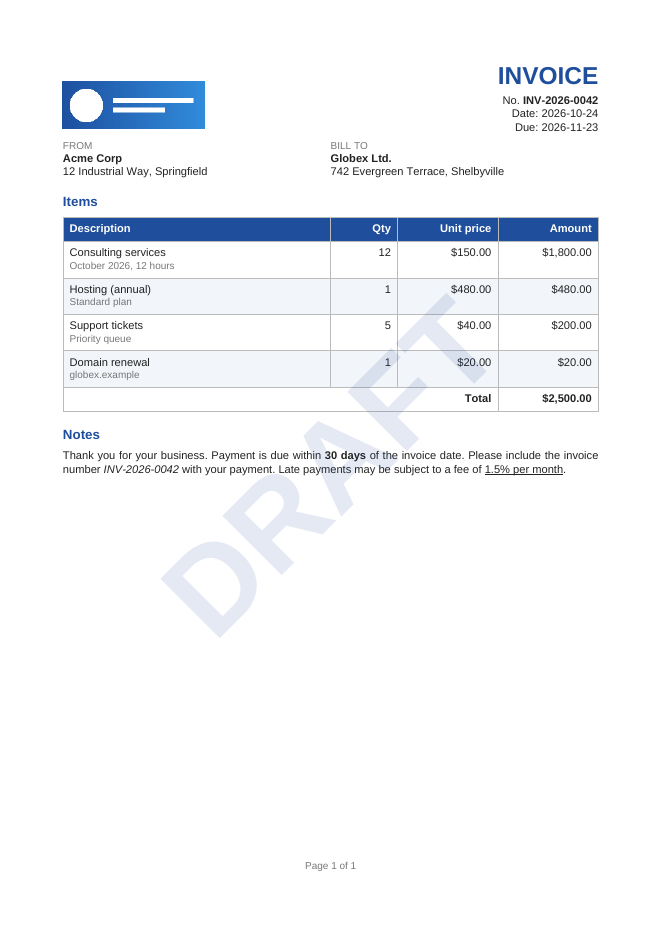
xml2pdf examples/invoice.xml --data examples/invoice.json -o invoice.pdf
Every document has a <document> root with one or more <page> elements. Everything else is optional. The guide explains how it all fits together, and the element reference lists every tag and attribute.
Where to next
Gallery